
Delay that leaves room to act
A queue, inspection or missing approval can slow progress while opening time for observation, conversation or another approach. Decide what the party can do during the wait.
Progress with a meaningful twist
Give a moving scene a new condition, delay or consequence. Roll an authored complication, sharpen it with a detail and decide how the party can still pursue the goal.
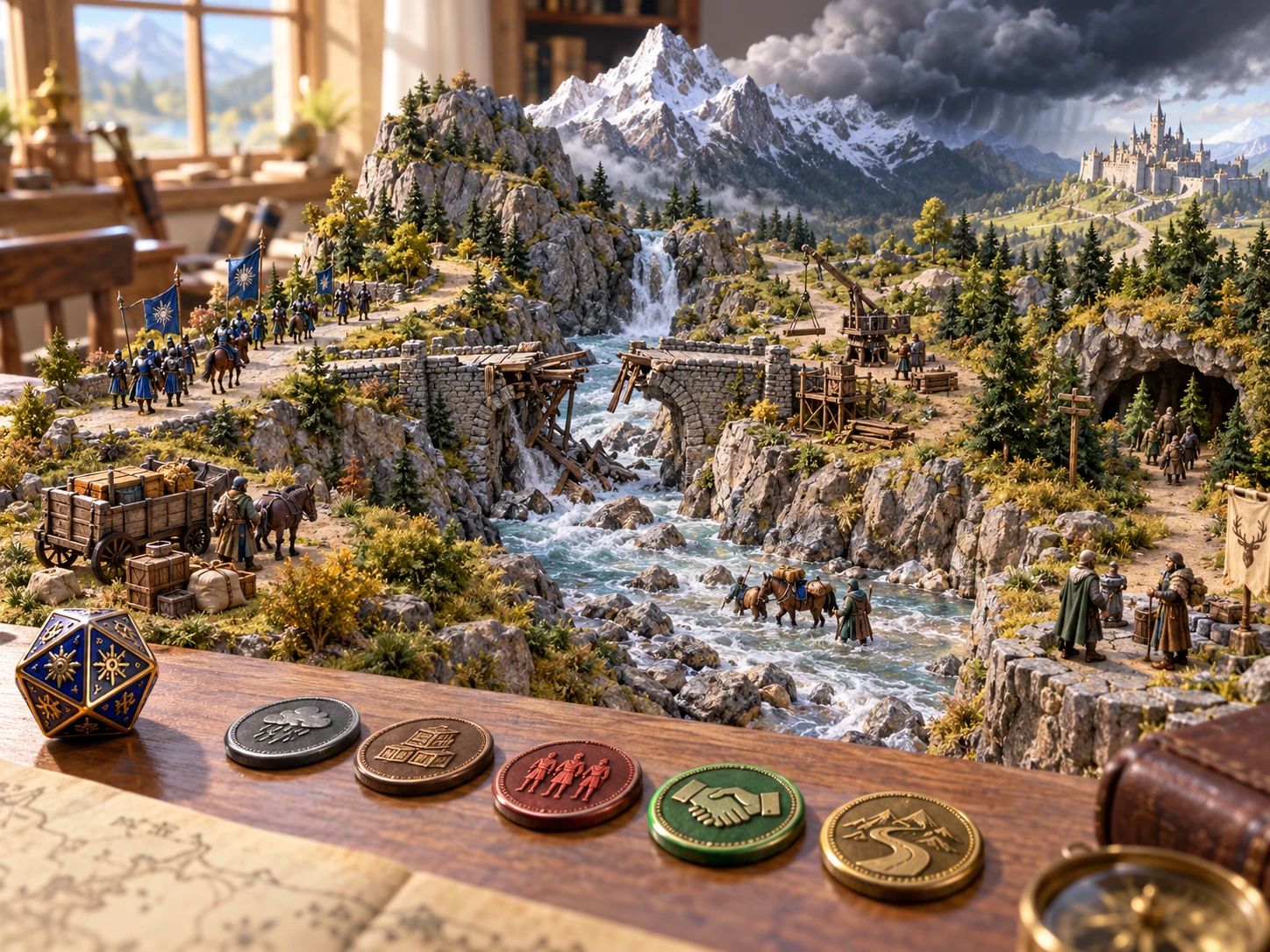
Productive friction
A complication can make the next choice matter without deciding that every inconvenience becomes a fight.
A queue, inspection or missing approval can slow progress while opening time for observation, conversation or another approach. Decide what the party can do during the wait.
A useful contact may ask for silence, restricted use, shared responsibility or a future favour. Present the terms so players can accept, negotiate or seek another route.
Permission may come publicly, under supervision or within narrow boundaries. Let the group weigh visibility, time and freedom against the value of proceeding.
Resolve the immediate task while leaving suspicion, an obligation or a record for later. Decide how that thread belongs in your campaign rather than forcing a consequence.
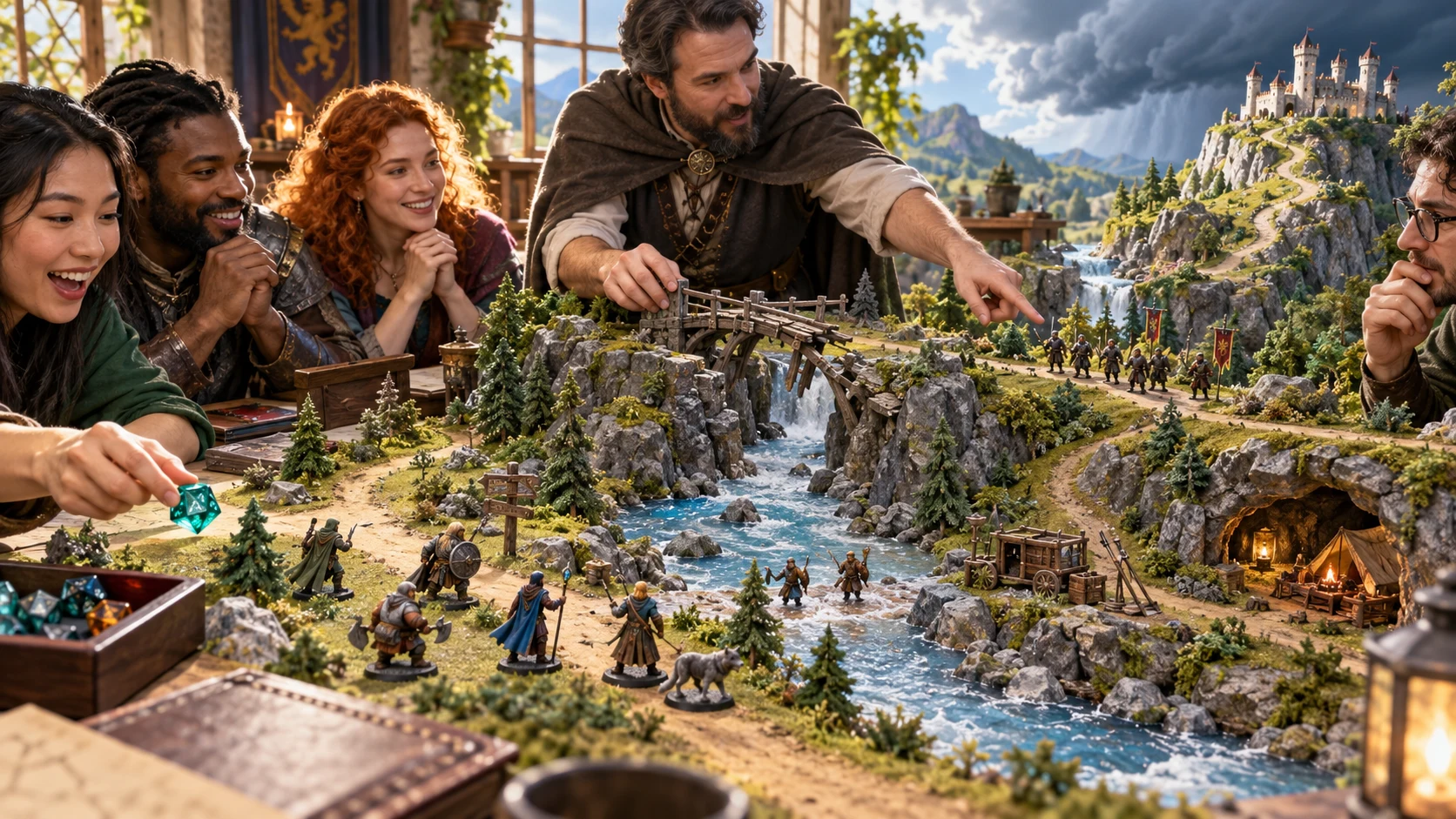
A prompt beside your own judgement
Choose a main complication and a detail, then read the narration and DM guidance together.
Adapt the people, place and stakes yourself. The illustration shows tabletop preparation, not automatic scene analysis.
Two dice and a table ruling
Use random selection during play or deliberate values during preparation.
Leave the main die on random, enter a physical roll or choose a known entry. The twenty authored results cover distinct forms of scene friction.
Add one of the selected entry’s six details. Expand the full spread when you want to understand the alternatives before using the result.
Review the read-aloud passage, detail and DM control notes. Names, consequences and the scale of disruption remain your decisions.
Copy the appropriate text or save the result locally. Read the player copy before sharing and keep a separate note of any campaign consequences you decide to apply.
What the tool provides
The current tool offers a fixed table, practical dice controls and a saved list on your Windows device.
Roll a d20 for delays, conditions, public attention, conflicting guidance, divided expectations or a cost that follows success. Each result offers a distinct way to bend the route.
Roll a d6 within the selected complication. Read the chosen detail, or expand all six to inspect the alternatives before deciding what belongs in the scene.
Leave either value on random, or enter your own d20 and d6 results. Choose a specific entry deliberately when preparing a scene rather than rolling at the table.
Read the scene introduction alongside practical DM control notes. Adapt the people, place and scale yourself; the tool does not infer the current campaign.
Hold the main entry while changing its detail, or hold the detail number while changing the main entry. A held number takes priority over a typed value.
Repeats are allowed by default. Enable no-repeat to exclude the current main result from the next random main roll. Chosen and held entries can still repeat.
Copy narration and the chosen detail for players, or copy the fuller result with DM control guidance for your own notes. Review the player detail for information you prefer to withhold.
Save a result manually, reopen it later or delete it from the list. Each save creates a separate local record; it is not an account library or automatic history.
Different kinds of pressure
These examples paraphrase the complication table. They suggest choices; they do not set difficulty, enforce a ruling or alter encounter state.
The answer exists, but a different office, district, authority or private person holds it. Keep the previous inquiry useful by showing where the next step leads.
Guidance may be outdated, misunderstood, partially true or deliberately misleading. Decide what evidence lets the party assess the sources.
A shortcut may trade speed for reputation, privacy, a favour or a paper trail. Make the immediate benefit and meaningful choices understandable.
Time, location, supervision or revocability can narrow an approval. Let players solve the task within those limits or pursue a different arrangement.

A changed route and a visible goal
Use the selected detail to make a condition or cost concrete, then let player decisions shape what follows.
The table often uses city and institutional language. Adapt it for another setting; the artwork is an illustration of possible choices.
Keep the part that works
Review the dice controls before rerolling so the result changes in the way you intend.
Keep the current main entry while the d6 can change. A typed d6 still applies unless that die is also held. Useful when the kind of pressure fits but the detail needs work.
The hold preserves the d6 number, not its wording. A new main entry uses its own detail at that number. Holding both dice keeps the whole result.
Repeats are allowed by default. Enable no-repeat to exclude only the current main entry from random main selection. Typed and held entries take priority and can repeat.
Fresh reroll requests a new random source while retaining typed values, holds and no-repeat. A supplied seed repeats with the same controls and previous result; an automatic seed label is not a guaranteed replay code.
Keep and share deliberately
Choose the text for its audience and understand what the saved list restores.
Save creates a separate local record each time. Open or delete records from the saved list. The tool does not provide account synchronisation, autosave, search, tags or version history.
Loading restores the saved result and seed. It does not restore every dice, hold or repeat setting, so inspect the current controls before another roll. Important campaign notes should also live in your own records.
The player copy contains narration and the selected detail without DM control notes. Some details suggest future costs or consequences. Read them before sharing information you want to keep private.
The DM copy includes the entry, dice values and control guidance. It omits the complete detail spread and save metadata. There are no download or import controls, and no direct Combat PRO transfer or live scene connection.
Choose access for your toolkit
Complicating Flow d20 is a paid standalone tool. Create a free account first, then review your selection and subscription.
Select Complicating Flow d20 individually. Creating a free account does not by itself include paid generator access.
Choose a five-generator pack for other eligible standalone tools alongside this one. It provides selection capacity, not automatic access to every VISINVOKE product.
Review larger selected-generator packs in your account. Check the actual generators, subscription and reselection terms before choosing your toolkit.
Combat PRO, Battlemaps and image systems have their own access models. Standalone generator subscriptions do not include image or animation credits.

Use a compact authored table when the next condition or consequence needs an idea quickly.
Read the selected detail or inspect its alternatives. Fit the pressure to the scene rather than treating a roll as compulsory.
Start Here and How Do I help cover dice, holds, repeat choice, copies and the device-local saved list.
The prompt does not apply penalties, start combat or rewrite campaign state. Decide what changes through play.
Build your tabletop toolkit
Each card opens that product’s own website. Review purpose and access separately; related products do not promise included access or automatic synchronisation.

Discover and open your supported Windows products through one connected VISINVOKE account.

Explore environment packs for tactical locations and the places your encounters unfold.
Review prepared opposition, tune creature statistics and run tabletop encounters with its own access.
Create focused character, monster, item and location images to complement your tabletop preparation.

Create guided commercial visuals for websites, brochures and wider creative projects.

Explore a separate futuristic RPG experience with its own world, characters and progression.
Product artwork illustrates complication choices, not application screens or actual generated image output.
Quick answers
Understand the fixed table and the boundaries of copying and local records before opening the tool.
It selects from twenty authored scene complications, each with read-aloud narration, DM control guidance and six detail outcomes. It is a focused prompt table for improvisation and preparation. It does not write a bespoke scene from a description, infer campaign state or decide the consequences for your group.
Yes. Set the d20 from 1 to 20 and the d6 from 1 to 6, or leave either on random. A hold takes priority over a typed value for that die. The selected entry also lets you expand its complete six-detail spread.
Hold main keeps the current d20 entry. Hold detail keeps the d6 number; changing the main entry can change the detail text at that number. Holding both retains the result. No-repeat is optional and excludes only the current main result during a random main roll. Typed and held results bypass that exclusion.
A supplied seed repeats with the same dice choices, holds, previous result and repeat settings. An automatically displayed seed is not a guaranteed replay code. Fresh reroll requests a new random source while retaining typed values, holds and no-repeat. Those controls may keep part or all of the result unchanged.
Save creates a separate record in this Windows device’s application data. Reopen restores the result and its seed, but not every current dice or hold setting. The saved list offers open and delete. There is no account synchronisation, autosave, search, tagging or version history. Keep any important notes separately.
The player copy contains narration and the chosen detail, without the DM control notes. Read it before sharing: details may suggest future costs or consequences. The DM copy includes the main entry, dice numbers and DM guidance. It is not a complete save backup. There are no download or import controls and no direct Combat PRO transfer or live scene connection. Use the text manually in your notes.
Continue in VISINVOKE
Create a free VISINVOKE account and choose the required generator access.
Get Desktop Command Centre from your account installer page. Sign in on Windows, then open Complicating Flow d20.